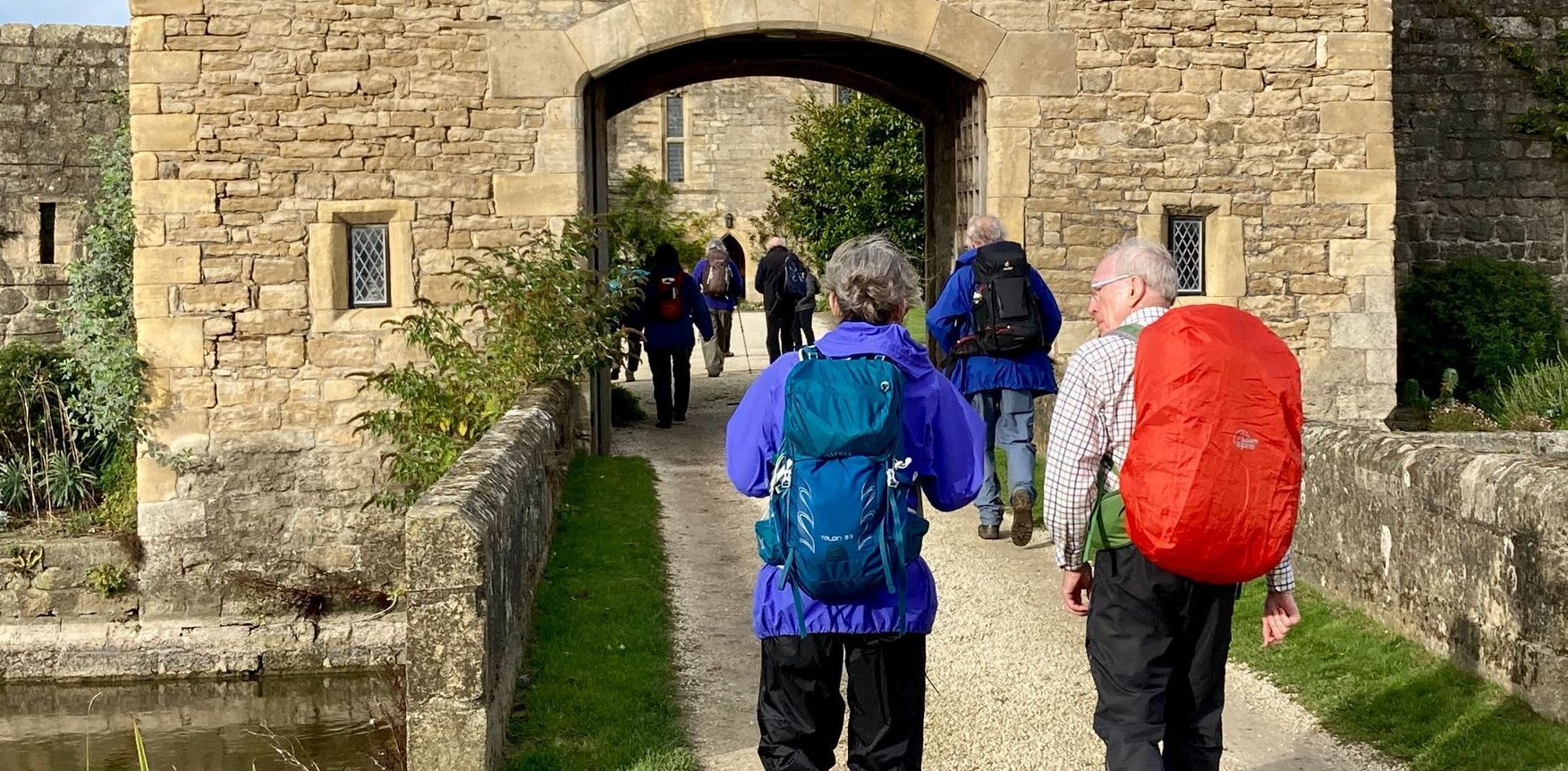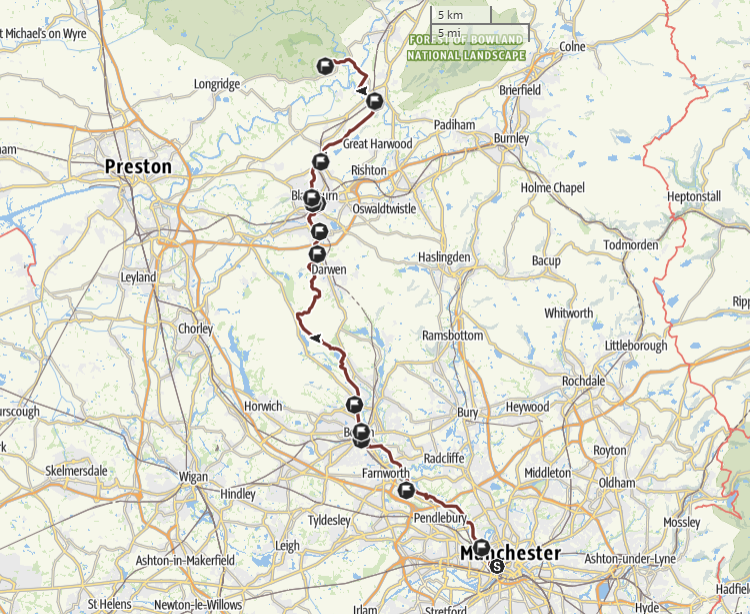
St Theodore's Way is a Pilgrim Way for the Diocese of Salford.
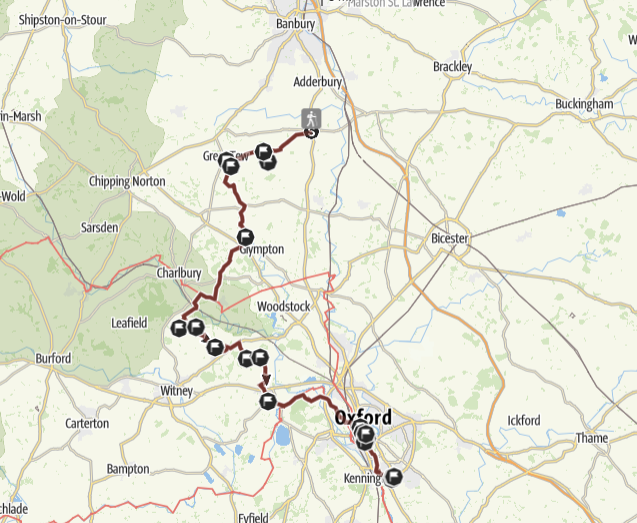
A pilgrim way in Oxfordshire following St John Henry Newman’s spiritual path.
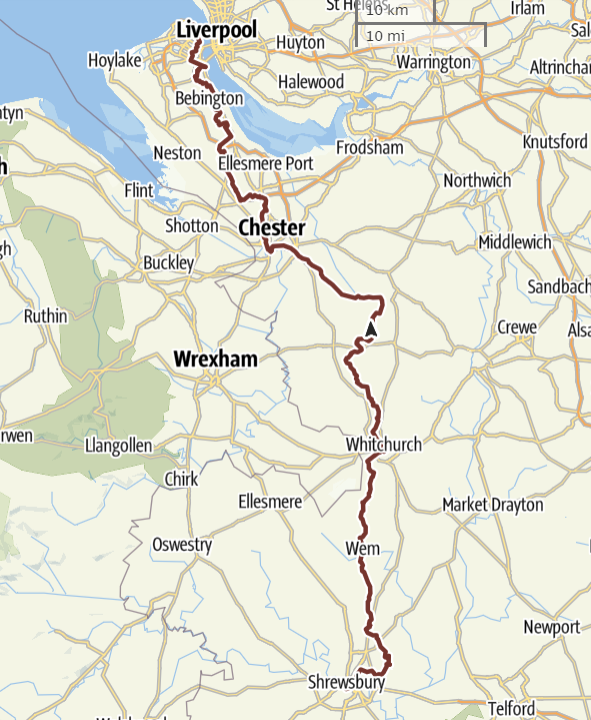
St Philomena's Way is a Pilgrim Way from the Cathedral of Our Lady Help of Christians & Saint Peter of Alcantara in Shrewsbury to the Shrine Church of Ss Peter & Paul and St Philomena in New Brighton.
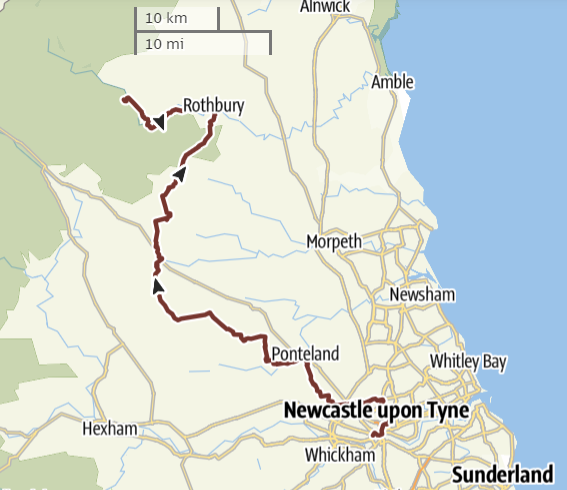
The Holystone Way is a Pilgrim Way for the Diocese of Hexham & Newcastle.
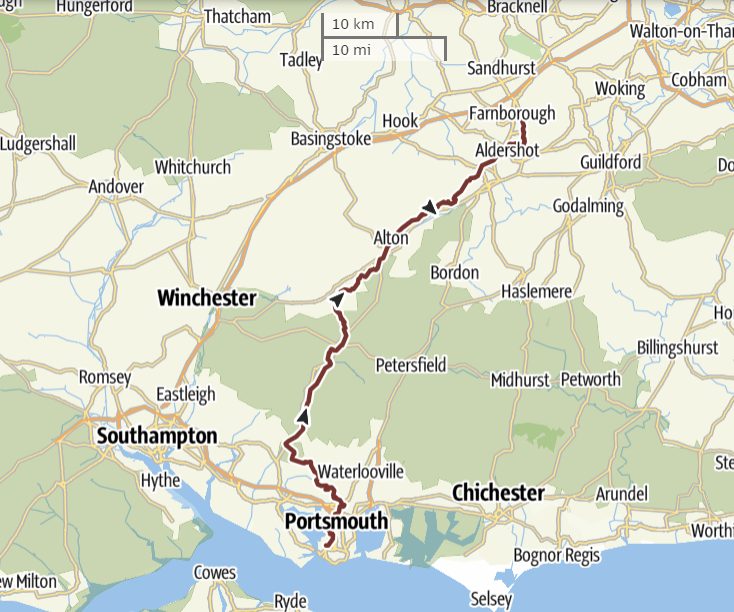
St Joseph's Way is a Pilgrim Way for the Diocese of Portsmouth and the Bishopric of the Armed Forces.
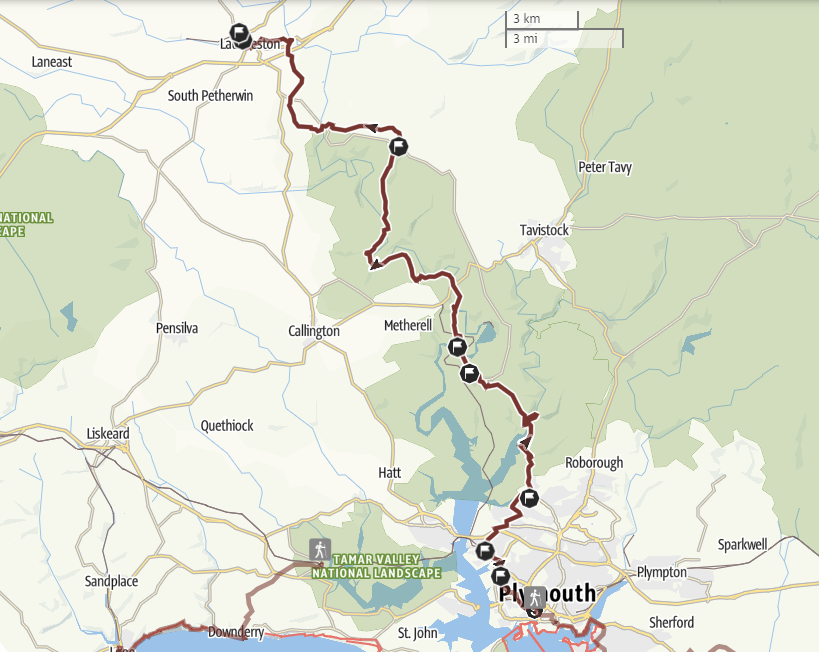
The St Cuthbert Mayne Way is a Pilgrim Way from the Cathedral of SS Mary & Boniface in Plymouth to the Shrine of St Cuthbert Mayne in Launceston. Cuthbert Mayne was an English Catholic priest executed in Launceston under the laws of Elizabeth I. Mayne was beatified in 1886 and canonised as one of the Forty Martyrs of England and Wales in 1970. The Way leaves the Cathedral and crosses Victoria Park to reach the Church of the Most Holy Redeemer near Plymouth docks and then the Church of St Paul. The route leaves Plymouth and follows the Tamar Valley Discovery Trail. The River Tavy is crossed using a ford near Lopwell House to reach Bere Alston Station where a train must be taken to Calstock. The Way continues to follow the Tamar Valley Discovery Trail northwards over rolling hills and riverside meadows. After Horsebridge the route is mainly on quiet lanes to Milton Abbot. Finally the Way reaches Launceston and the Church and Shrine of St Cuthbert Mayne. NB the route involves two river crossings, one by a ford and one by short train ride.
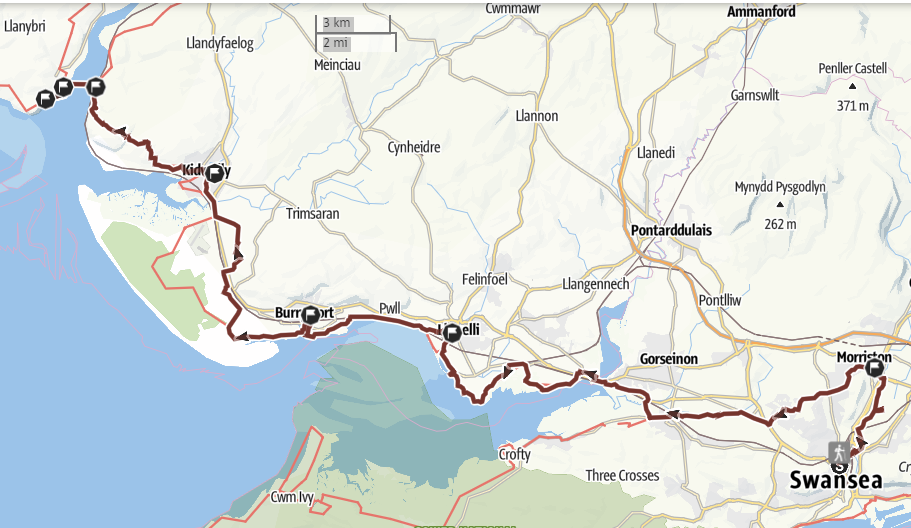
A Pilgrim Way for the Diocese of Menevia from the Cathedral of St Joseph in Swansea to St Anthony’s Well in Llansteffan. NB the route involves a summer only ferry crossing. St Anthony of Egypt (c251 - 356), was a Christian hermit who a powerful influence on the Celtic Church. According to local tradition a Welsh hermit, Antwn (Anthony), who had taken the name of the Egyptian hermit, settled near Llansteffan in the C6. The Way leaves Swansea heading north along the New Cut to reach the Shrine of Divine Mercy at the Church of the Sacred Heart in Morriston. The Way heads west to join and follow a disused railway line to reach the Wales Coast Path. The path reaches the Church of Our Lady Queen of Peace at Llanelli and then the Church of Our Lady Star of the Sea at Burry Port. The route passes Pembry Forest to reach the Church of Our Lady & St Cadoc at Kidwelly, and then continues along the coast to reach Ferryside where the River Towey is crossed by ferry. St Anthony's Well is a short walk south of the village of Llansteffan.
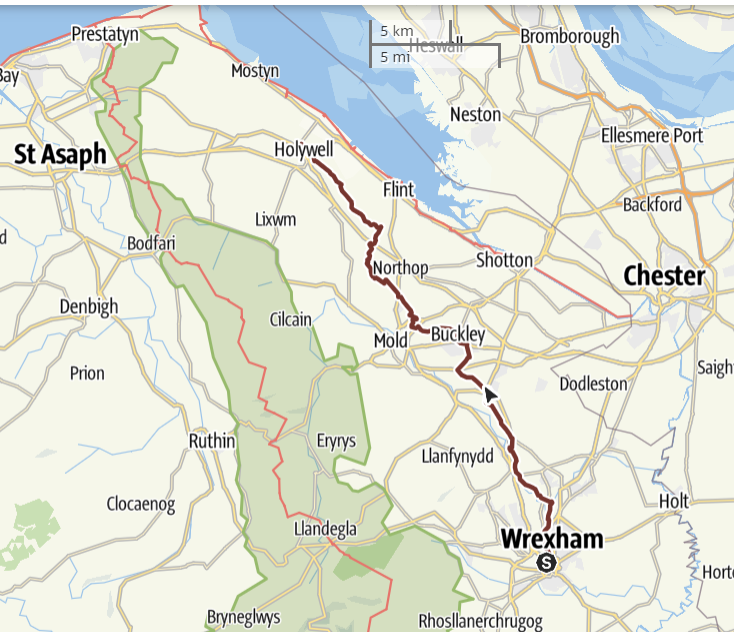
The Holywell Way is a Pilgrim Way for the Diocese of Wrexham from the Cathedral of Our Lady of Sorrows in Wrexham to the National Shrine of St Winefride at Holywell. St Winefride’s Well is believed to be the only British shrine that has a history of uninterrupted pilgrimage from the Middle Ages to the present day. The Way is north from the Cathedral to join the Wat's Dyke Way which then passes through a valley beside the River Alyn to the villages of Caergwrle and Hope. After 10 miles the Pilgrim Way diverges from the Wat's Dyke Way to visit the Church of Our Lady of the Rosary in Buckley, re-joining the Wat’s Dyke Way just over a mile after this. On leaving the village of Sychdyn the Wat's Dyke Way diverts from the line of the Dyke to take in a Celtic hill fort at Rhosesmor. The Pilgrim Way takes a more direct route, but the two paths coincide again shortly before crossing the A55 North Wales Expressway. After this the path follows an impressive section of the Dyke. The Way ends at the Shrine of St Winefride in Holywell, but pilgrims may wish to walk on to Basingwerk Abbey, the ruins of a C12 Cistercian monastery (1.0 miles). This is the start of the North Wales Pilgrim’s Way.
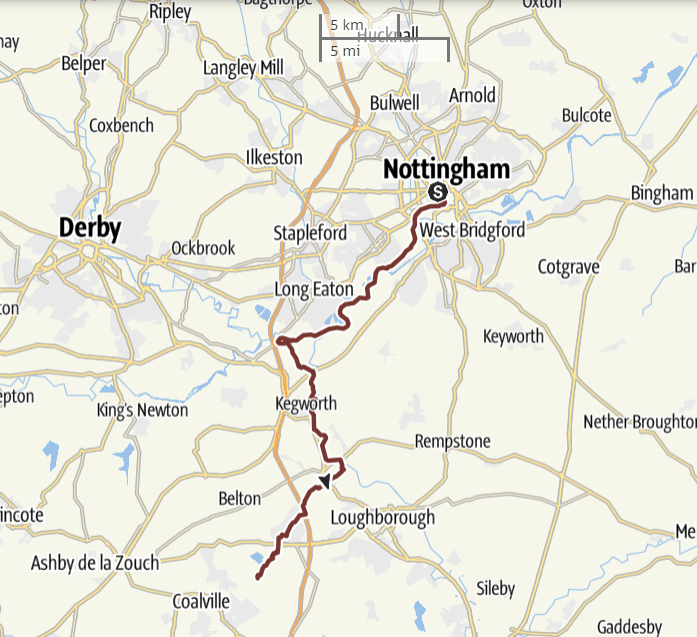
The Way of Blessed Cyprian Tansi is from the Cathedral of St Barnabas in Nottingham to Mount St Bernard Abbey near Coalville.
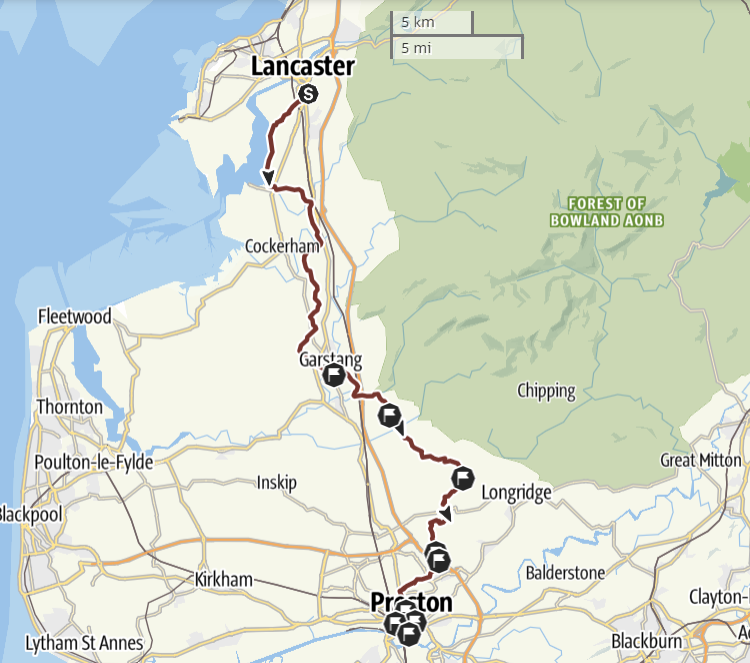
The Way of Our Lady of Fernyhalgh and St Alphonsa is a Pilgrim Way from the Cathedral of St Peter in Lancaster to the Shrine of Our Lady at Fernyhalgh and on to the Syro-Malabar Cathedral of St Alphonsa in Preston.
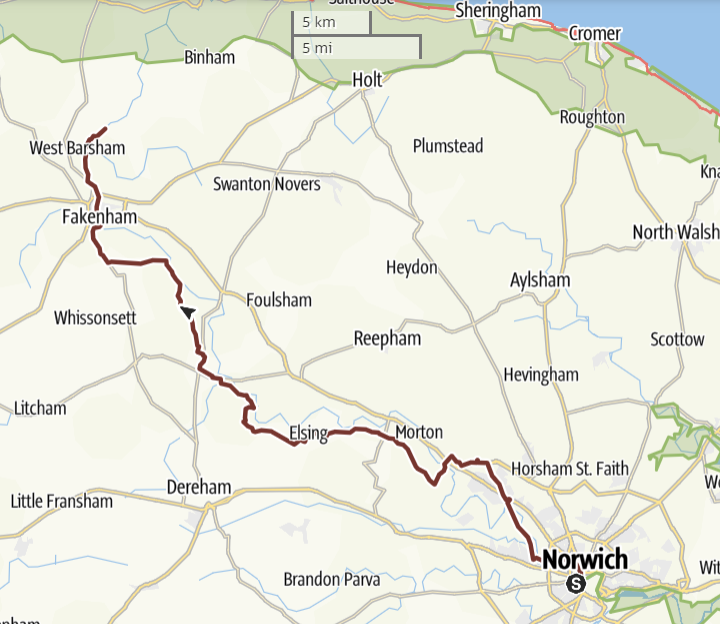
The Way of the Annunciation is a Pilgrim Way from the Cathedral of St John the Baptist in Norwich to the Catholic National Shrine of Our Lady of Walsingham and the Church of the Annunciation in Little Walsingham.
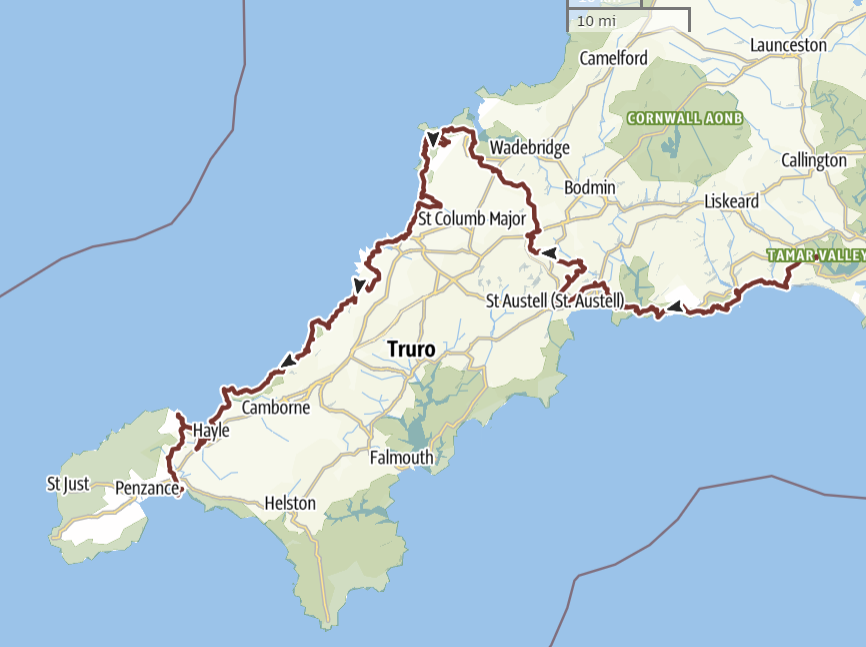
The Cornish Celtic Catholic Way is a Pilgrim Way for the Diocese of Plymouth from the Cathedral of SS Mary & Boniface in Plymouth to St Michael's Mount, Marazion, Cornwall
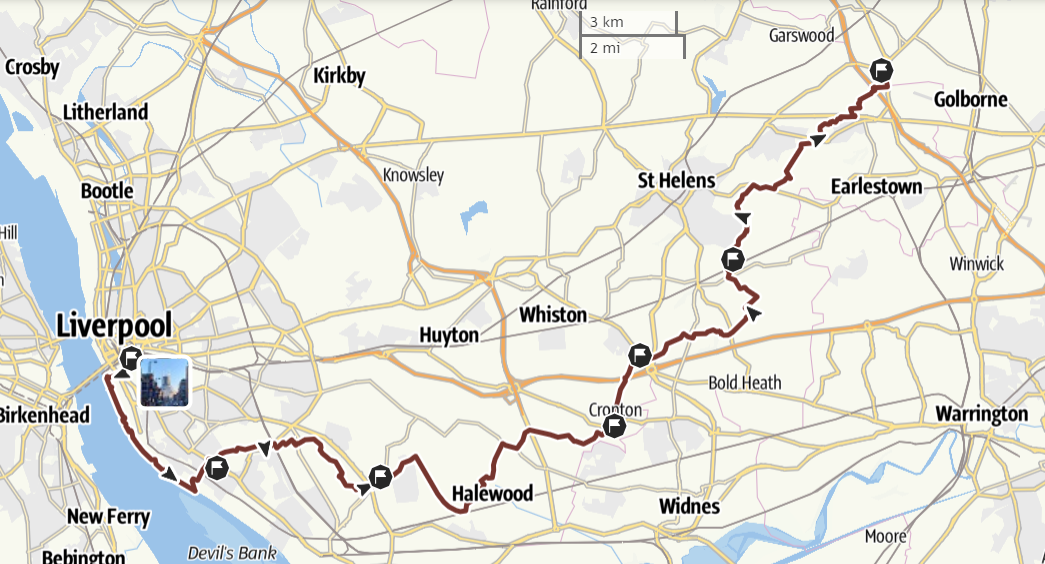
The Way of Blessed Dominic Barberi and St Edmund Arrowsmith from the Metropolitan Cathedral in Liverpool to the shrines at St Helens and Ashton-in-Makerfield.
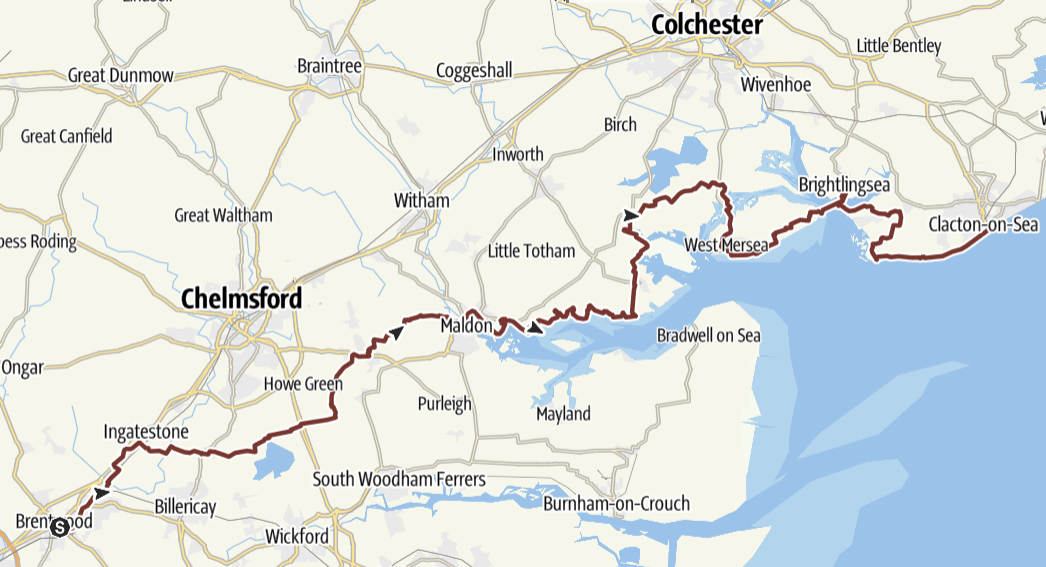
The Way of Our Lady of Light, from the Cathedral of St Mary & St Helen in Brentwood to the Shrine of Our Lady of Light in Clacton-on-Sea.
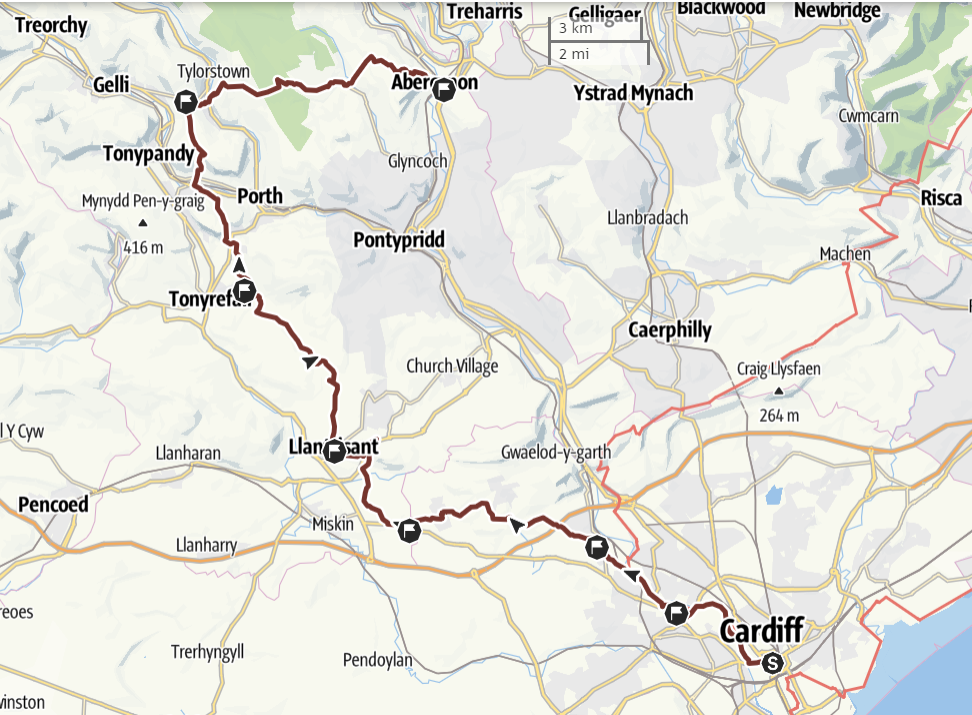
The Way of Our Lady of the Valleys from St David's Metropolitan Cathedral in Cardiff to the Shrines to Our Lady at Penrhys and Abercynon.
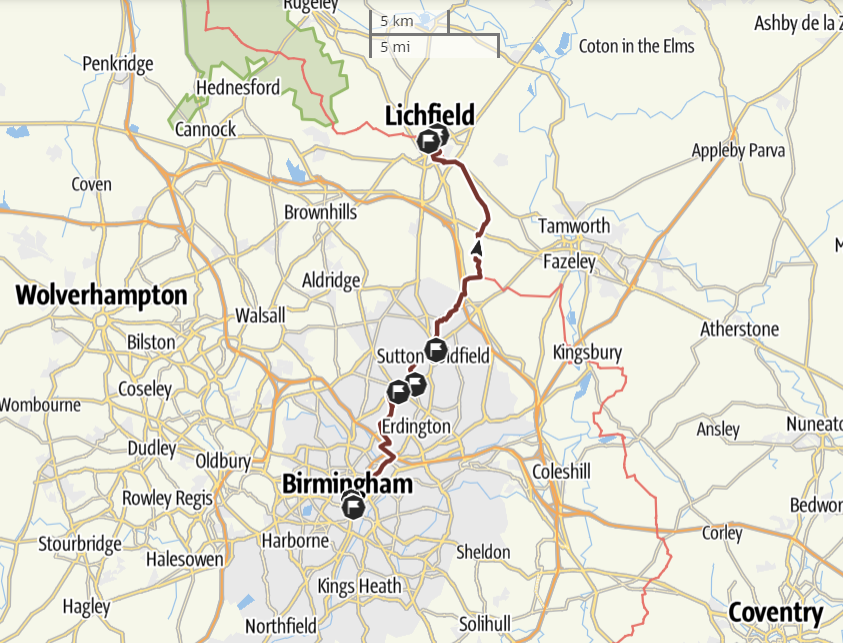
The St Chad's Way from St Chad's Cathedral in central Birmingham to the new Shrine of St Chad in Lichfield.